
 1
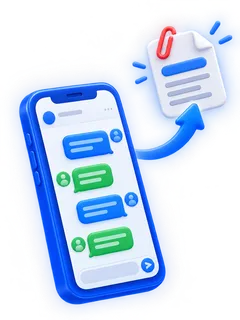
1Share from WhatsApp
Use WhatsApp's own Export Chat and pick Exportly. Every message and photo comes along.
 For iPhone
WhatsApp, iMessage, Telegram and a dozen more — turned into clean, dated documents you can print, keep or send. Right on your iPhone, without uploading a single message.
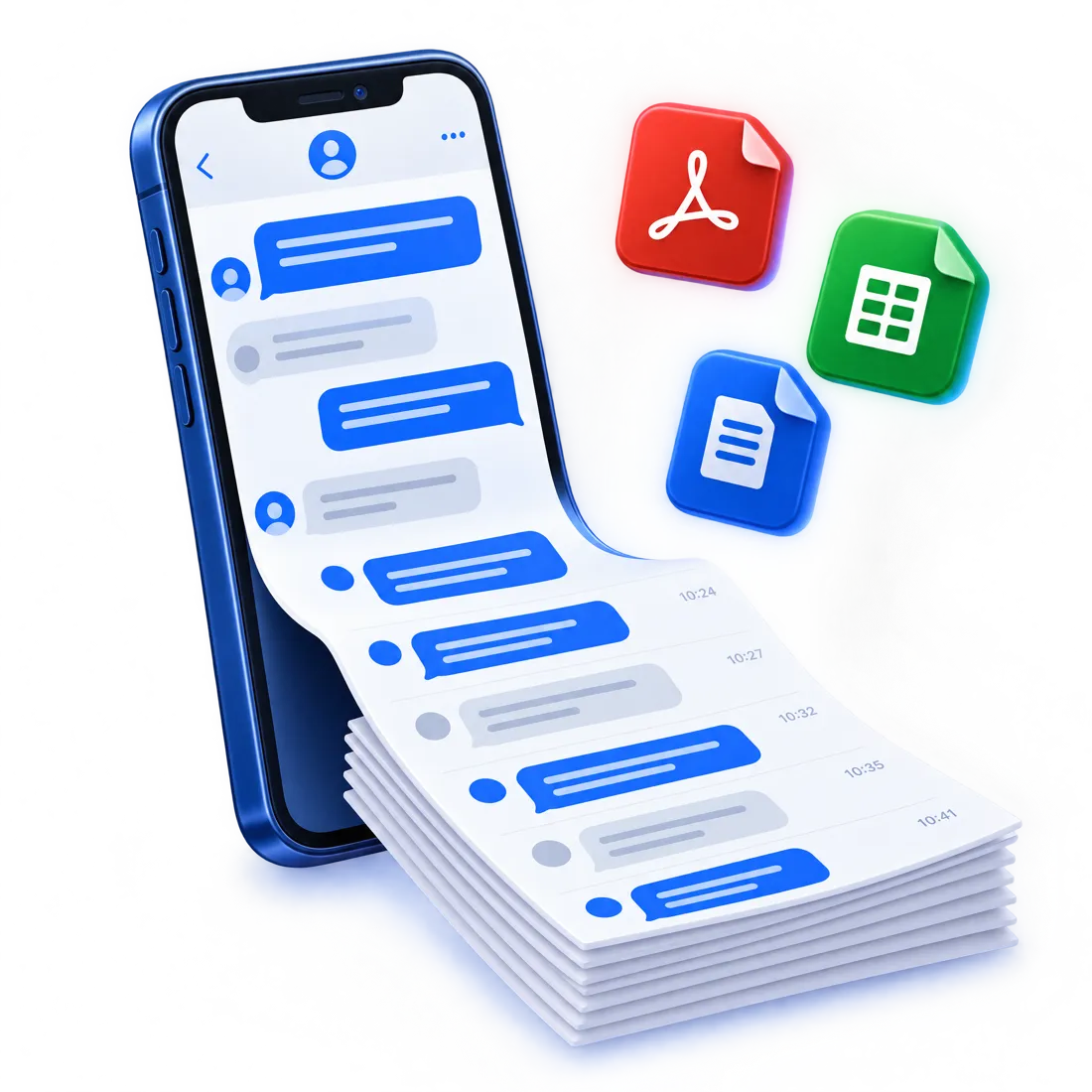
Works with the apps you chat in
Pick the chat app, bring the conversation into Exportly the way that suits it, then export. Most chats take about a minute.
1Use WhatsApp's own Export Chat and pick Exportly. Every message and photo comes along.
 2
2An Apple Shortcut hands the iMessage or SMS conversation you choose straight to Exportly.
 3
3Record your screen while you scroll through any chat app. Exportly reads the messages on your iPhone.
 4
4Already have screenshots? Pick them from Photos and Exportly rebuilds the conversation.
Choose a whole chat or just a date range, then save it in the format the next person needs.

Print-ready pages that look like the chat, with dates and times.

One row per message — date, time, sender and text — ready to sort and filter.

An editable document for reports, statements and case files.

Clean data for spreadsheets, databases and analysis tools.

A plain transcript that opens anywhere.

A web page of the conversation, with photos, to open in any browser.
PDF, Word and HTML exports can keep the conversation's shape — your messages on the right, theirs on the left, with day separators — or read as a plain, compact transcript.
12 March 2026
Did you get the contract draft?09:14
Yes, signing it today09:16
Perfect, thank you!09:17
Alex · 12 Mar 2026, 09:14Did you get the contract draft?
You · 12 Mar 2026, 09:16Yes, signing it today
Alex · 12 Mar 2026, 09:17Perfect, thank you!


Keep a dated, readable record of a conversation for a lawyer, a dispute or a claim.

File client agreements, approvals and team decisions where your records live.

Back up the chats that matter before you switch phones or apps.

Print the conversations you never want to lose — with family, friends, someone special.
No. Exportly reads, stores and converts your chats on your iPhone. Text recognition for screen recordings and screenshots runs on-device, and there are no Exportly servers for your messages. Files only leave your phone when you share them.
WhatsApp, Messages (iMessage and SMS), Telegram, Signal, Instagram, Messenger, Snapchat, WeChat, LINE, Discord, Microsoft Teams, Slack, LinkedIn, Tinder and any other chat app you can see on screen — through screen recording or screenshots.
Open the chat in WhatsApp, tap the contact or group name, choose Export Chat and pick Exportly in the share sheet. Then choose PDF — or Excel, Word, CSV, Text or HTML — and save or share the file.
Yes. Use the Exportly shortcut for Messages to send a conversation to the app, or record your screen while scrolling through it. Exportly turns it into a PDF with dates, times and who said what.
PDF, Excel (.xlsx), Word (.docx), CSV, plain text and HTML. PDF, Word and HTML can look like the chat, with message bubbles, or like plain text.
No. Everything happens on your iPhone, from importing the chat to sharing the finished file.
Exportly is free to download. Some features need a subscription, which you can cancel at any time in your Apple ID settings.

Get Exportly for iPhone and turn the conversations that matter into files you can keep.
Coming soon on theApp Store